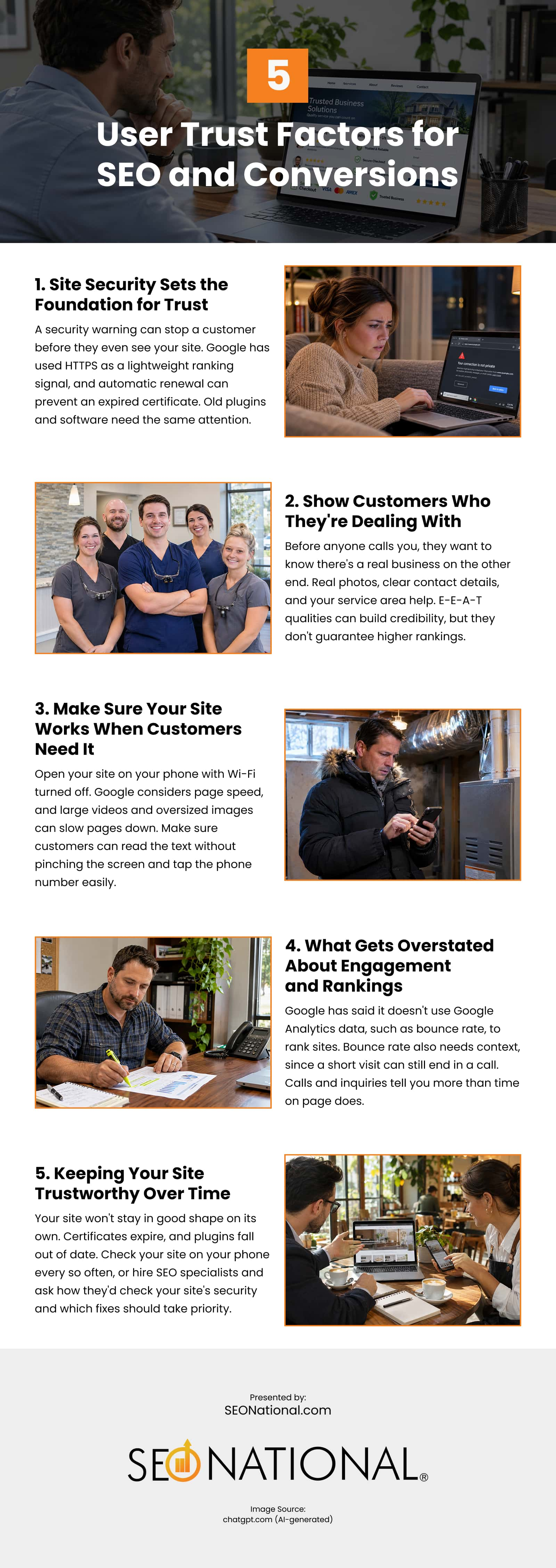
You search for a contractor, tap a result, and feel something about the site is “off.” It might be a security warning or a page that won’t load. You hit back and try the next one.
Your customers can experience the same thing on your site. Showing up on Google is only half the job. Once people click through, your site has to convince them you’re a real business they can count on.
Google also cares about those trust signals. What has little to do with rankings can make the difference between someone calling you or going back to the search results. It helps to know which is which before you hire anyone to work on your site.

Site Security Sets the Foundation for Trust
A security warning can stop a customer before they even see your site. If your security certificate expires or isn’t set up correctly, a browser may warn visitors that their connection isn’t private.
Picture someone in Salt Lake City looking for a family law attorney. They open your contact form, ready to explain a sensitive situation, and that warning appears. Few people want to type personal details into a form after seeing that. A potential client may try another firm instead.
Google has used a secure connection (HTTPS) as a lightweight ranking signal. Having it won’t move you above a competitor, but it can keep you from losing people who no longer feel comfortable using your site. Many hosting companies include security certificates. Automatic renewal can prevent an expired certificate from catching you by surprise.
Old plugins and software need the same attention as your certificate. Left alone, they can create openings for hackers or cause parts of the site to stop working. A website SEO audit service can help flag outdated plugins or an expiring certificate. Keeping them current gives customers one less reason to question the business they’re thinking about contacting.
Show Customers Who They’re Dealing With
Before anyone calls you, they want to know there’s a real business on the other end. Who runs it? Where is it? Can they reach a person if something goes wrong? Your site shouldn’t make them dig for those answers.
A parent choosing between two family dentists is a good example. One site is full of stock photos of models with perfect smiles. The other shows the actual dentists and hygienists, along with a few lines about each one. The second one gives a parent a much clearer sense of who’ll be caring for their child. Real photos let customers see who they may be hiring.
Give potential customers a clear picture of who you are, how to reach you, and where you work. If you travel to customers instead of serving them at a storefront, make your service area clear.
E-E-A-T stands for experience, expertise, authoritativeness, and trustworthiness. Google’s Search Quality Rater Guidelines use these concepts to help human evaluators assess search results. You can improve these qualities by demonstrating firsthand experience, showing your expertise, building a reputation in your field, and making your site trustworthy. But Google doesn’t assign your site a single E-E-A-T score, and improving these qualities doesn’t guarantee higher rankings. An About page and clear contact details can help establish credibility, but they’re only part of the picture.
Make Sure Your Site Works When Customers Need It
A customer may be looking at your site from their phone when something has already gone wrong. They don’t want to wait for a page to load or hunt around for a way to reach you.
Open your site on your phone with Wi-Fi turned off. Does the homepage load quickly, or does a large video hold things up? Imagine a homeowner in Logan whose furnace quits on a January morning. They need your number, not a loading screen. Large videos and oversized images can slow pages down, so check whether they’re affecting load time. Google considers page speed in its rankings, but a slightly better score won’t automatically improve your position.
Once the page opens, try doing what you’d want a customer to do. Can you read the text without pinching the screen? Can you tap the phone number easily? If either one takes effort, it’s worth fixing.
What Gets Overstated About Engagement and Rankings
You may have seen SEO reports with numbers like bounce rate and time on page. They can tell you something about how people use your site, but they don’t tell you on their own whether your SEO is working.
Google has said it doesn’t use Google Analytics data, such as bounce rate, to rank sites. It does use some information about how people interact with search results, but Google doesn’t publish enough detail for an SEO company to say how those interactions affect rankings.
Bounce rate also needs context. Someone could search for a plumber, land on your page, find the phone number in five seconds, and call. The visit was short, but the website did what the business needed it to do.
When you’re looking at an SEO report, ask what happened beyond the visit. Calls and inquiries from the site tell you a lot more about what it’s doing for your business than time on page does.
Keeping Your Site Trustworthy Over Time
Your site won’t stay in good shape on its own. Certificates expire, and plugins fall out of date. It’s worth checking your site on your phone every so often to make sure everything still works, especially after you change something.
If you’d rather hand it off, type “SEO specialists near me” into Google to find people who do this work on an ongoing basis. Ask each one how they’d check your site’s security and what customers experience on a phone. Then ask them to tell you which fixes should take priority.
Video
Infographic